
The section completely duplicates the features of the SENET Boot Settings tab in CAP.
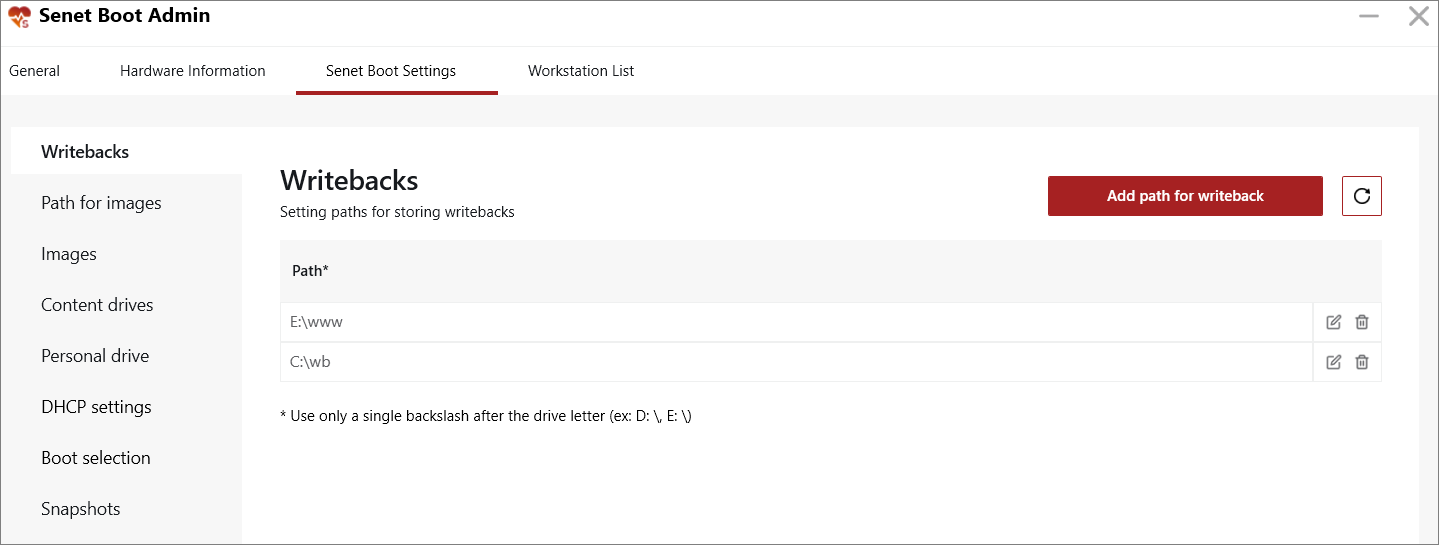
Writebacks is a subsection intended for setting paths for storing writebacks.
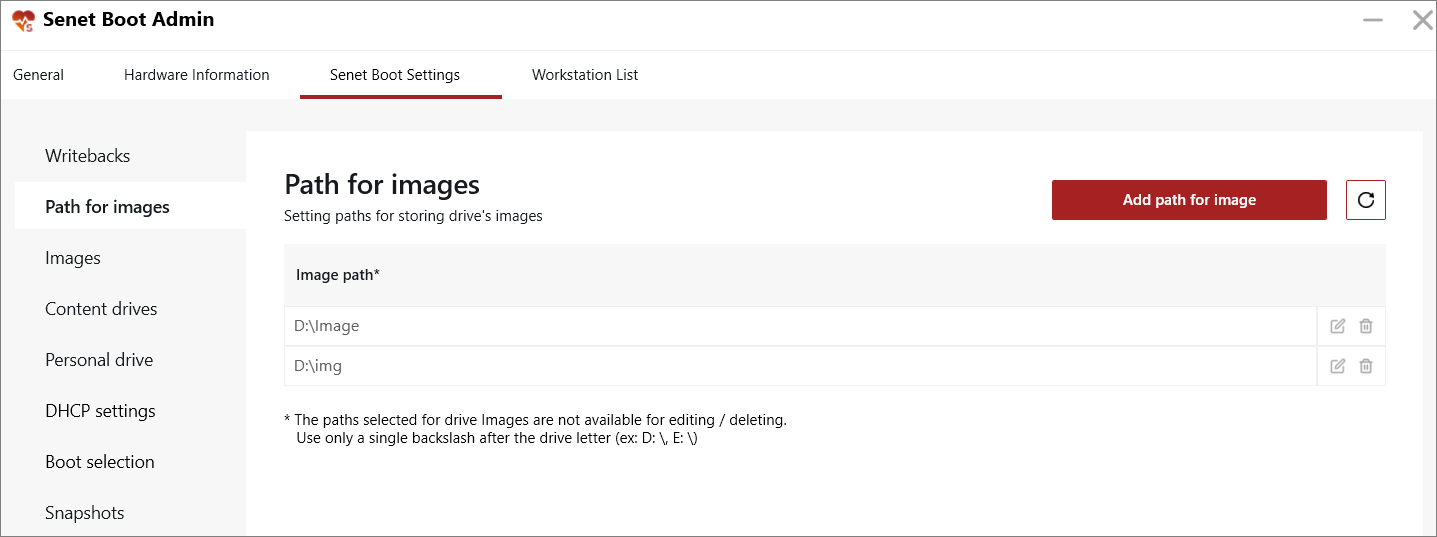
Path for Images is a subsection used for storing drive’s images.
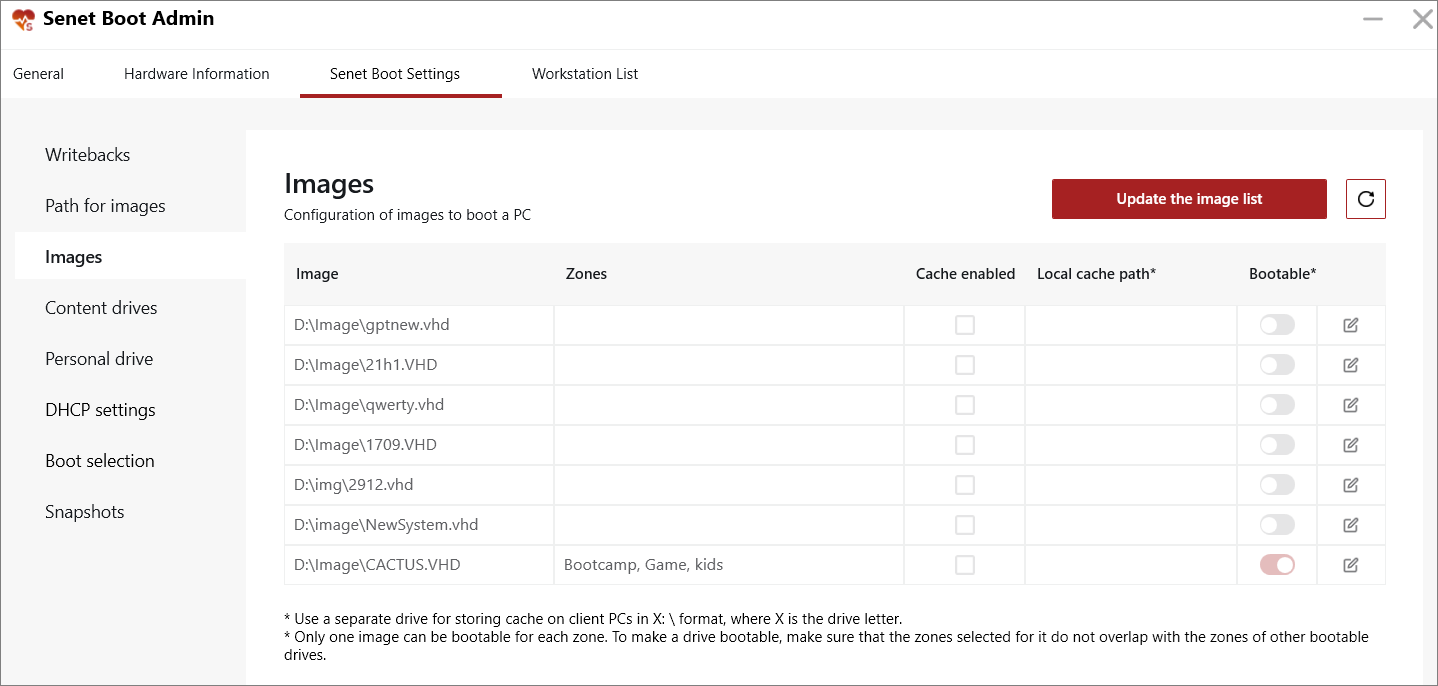
Images is a subsection that displays a list of available images. The list is generated when the system scans folders for storing images. To add new images, click the Update the image list button.
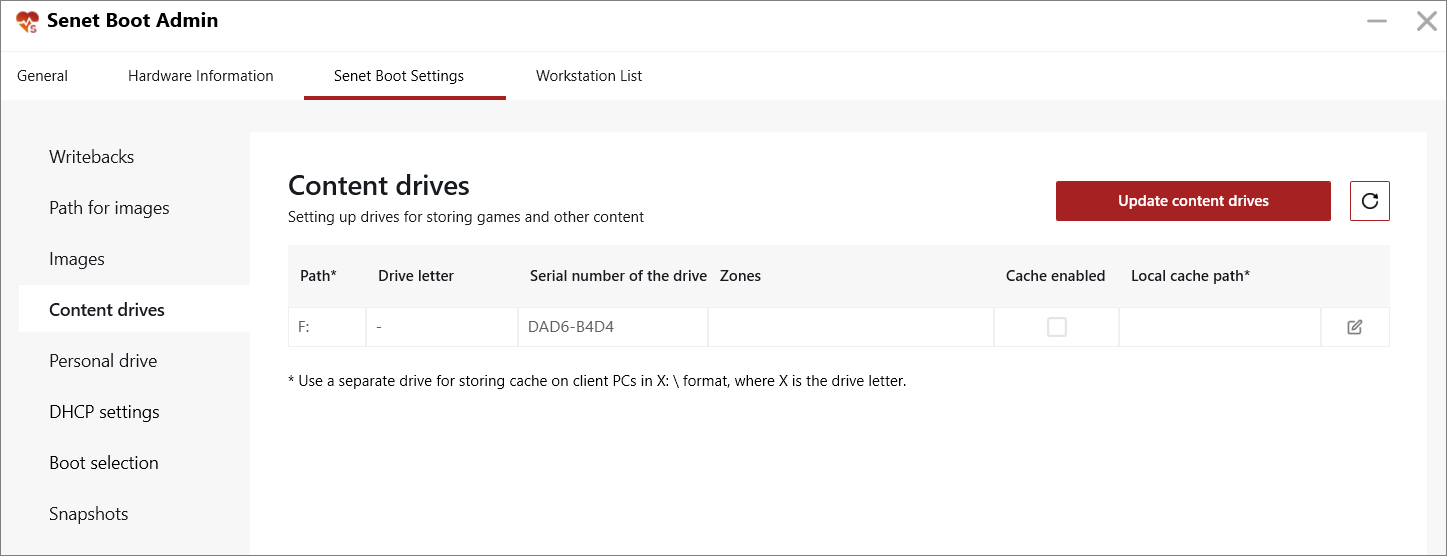
Content drives is a subsection intended for setting up drives for storing games. When you click the Update content drives button, the system automatically loads the list of drives on the server.
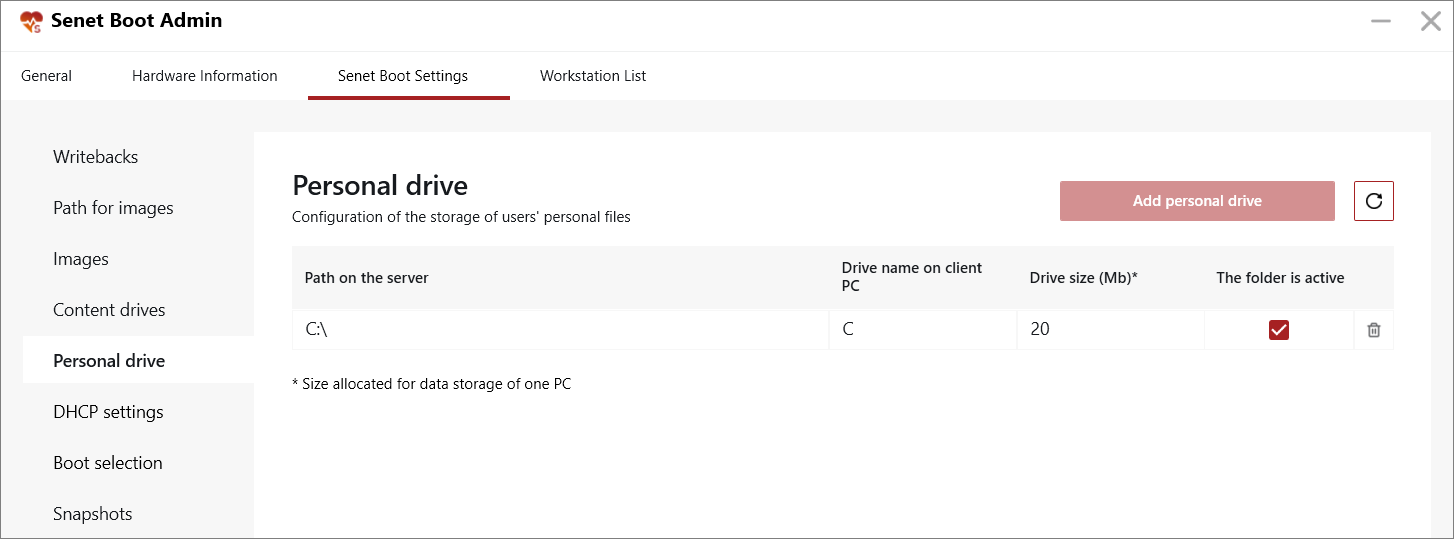
Personal drive is a subsection intended for setting up a personal drive for users.
DHCP Settings is a subsection used for network settings.
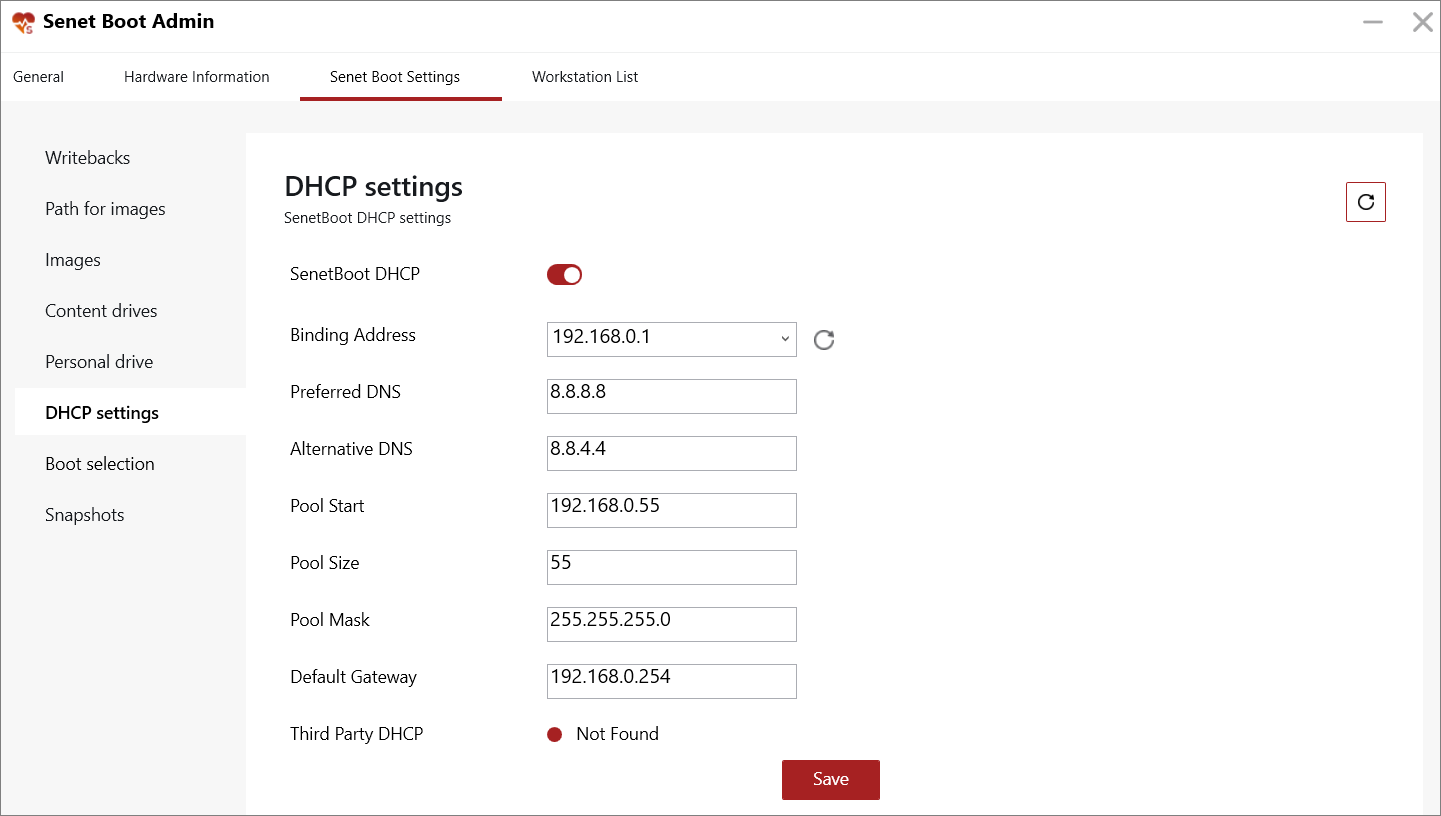
The enabled SENETBoot DHCP parameter indicates that the SENET Boot service assigns IP addresses. In this case, it is necessary to fill in the following parameters:
- Binding address;
- Preferred and Alternative DNS;
- Pool Start;
- Pool Size;
- Pool Mask;
- Default Gateway.
Third-Party DHCP is a parameter that determines whether or not a third-party DHCP server assigns IP addresses. You must disable Third-party DHCP or ensure that it does not function in the same IP address range as our service. If you deactivate the SENETBoot DHCP parameter, then a third-party DHCP server will issue IP addresses.
Boot Selection is a subsection intended for selecting the boot type for the PCs of the selected zone.
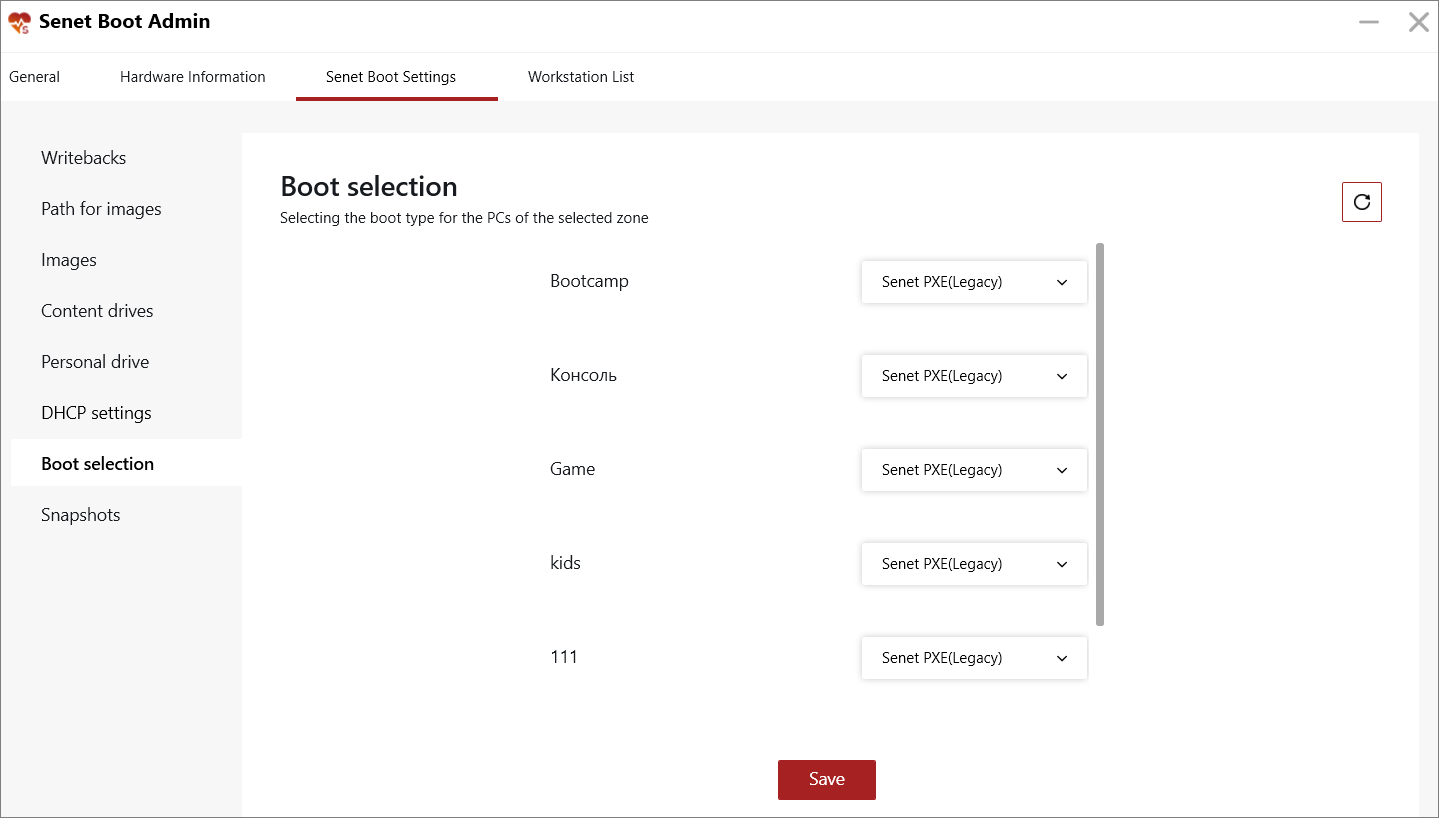
Available boot modes:
- PXE (Legacy);
- UEFI.
To see the above options in the drop-down list, you should first add the images with the appropriate boot mode.
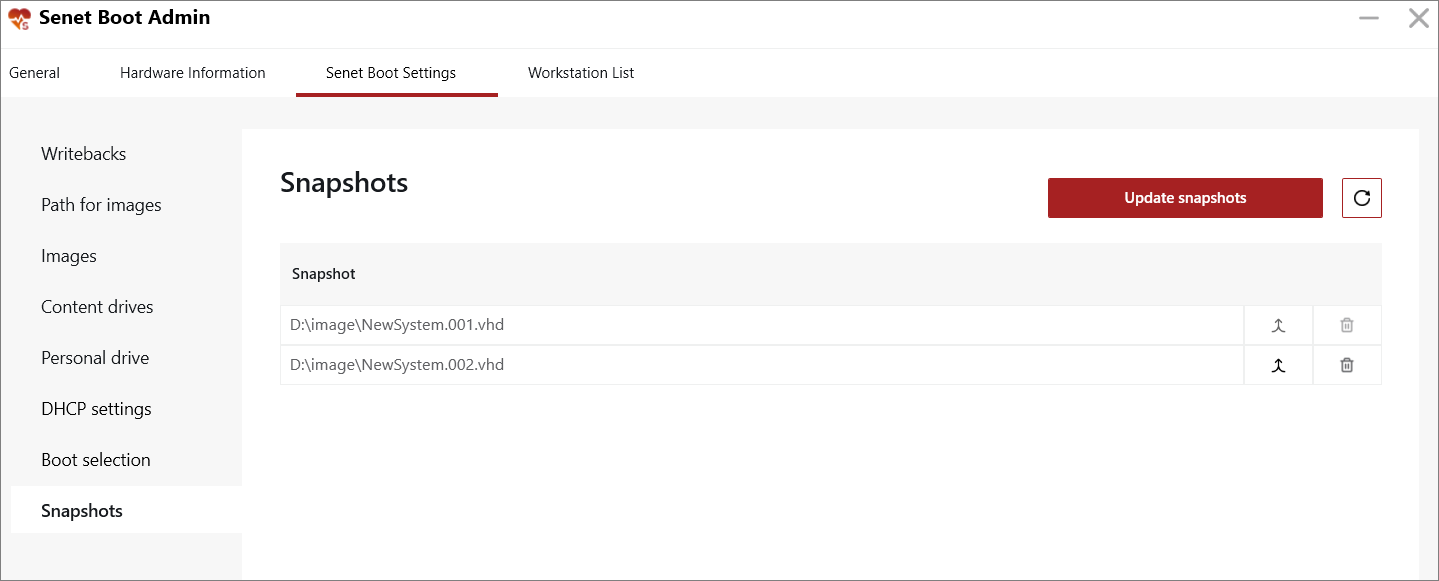
Snapshots is a subsection used for the management of snapshots (copies of images).
Comments
0 comments
Please sign in to leave a comment.