
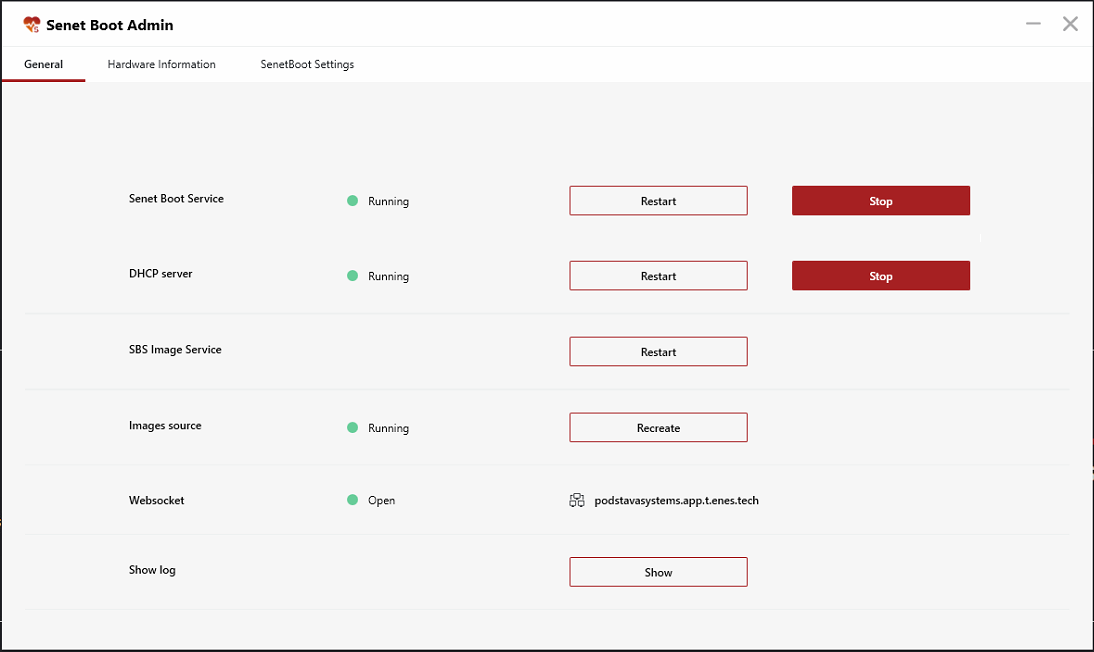
The diskless system is managed through the local SENET Boot Admin panel. After SENET Boot Server is installed on a server PC, SENET Boot Admin appears automatically. This application is used to keep track of system activity, display and manage SENET Boot components, as well as adjust settings.
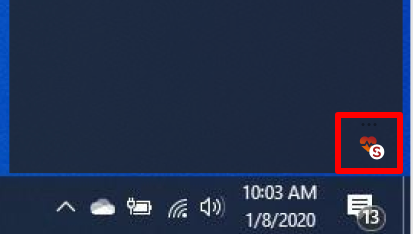
Log in to the CAP to get access to the local SENET Boot Admin panel. After that, launch SENET Boot Admin from the tray by clicking the Show button.
Access to SENET Boot Admin is retained for 48 hours. You need to log in to the main admin panel once again when the time is up.
The local SENET Boot Admin panel has three sections:
Comments
0 comments
Please sign in to leave a comment.